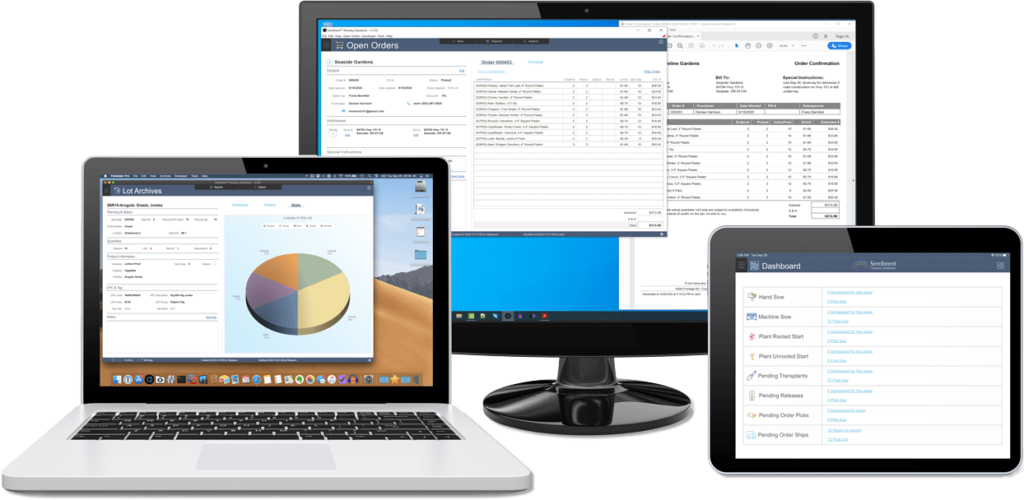
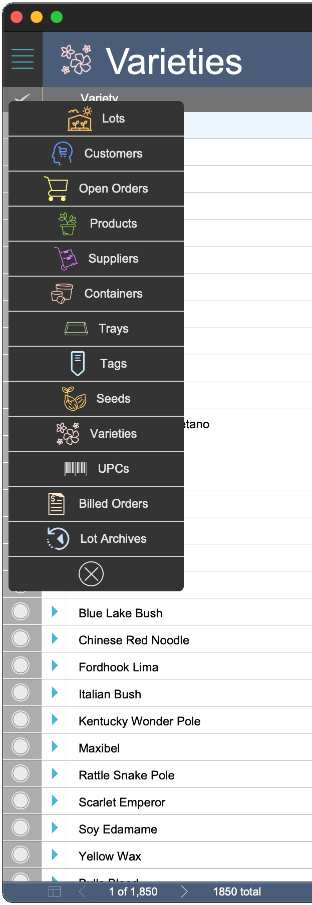
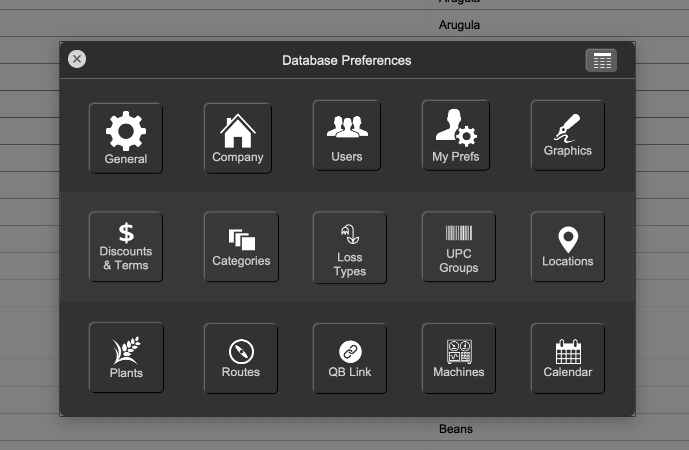
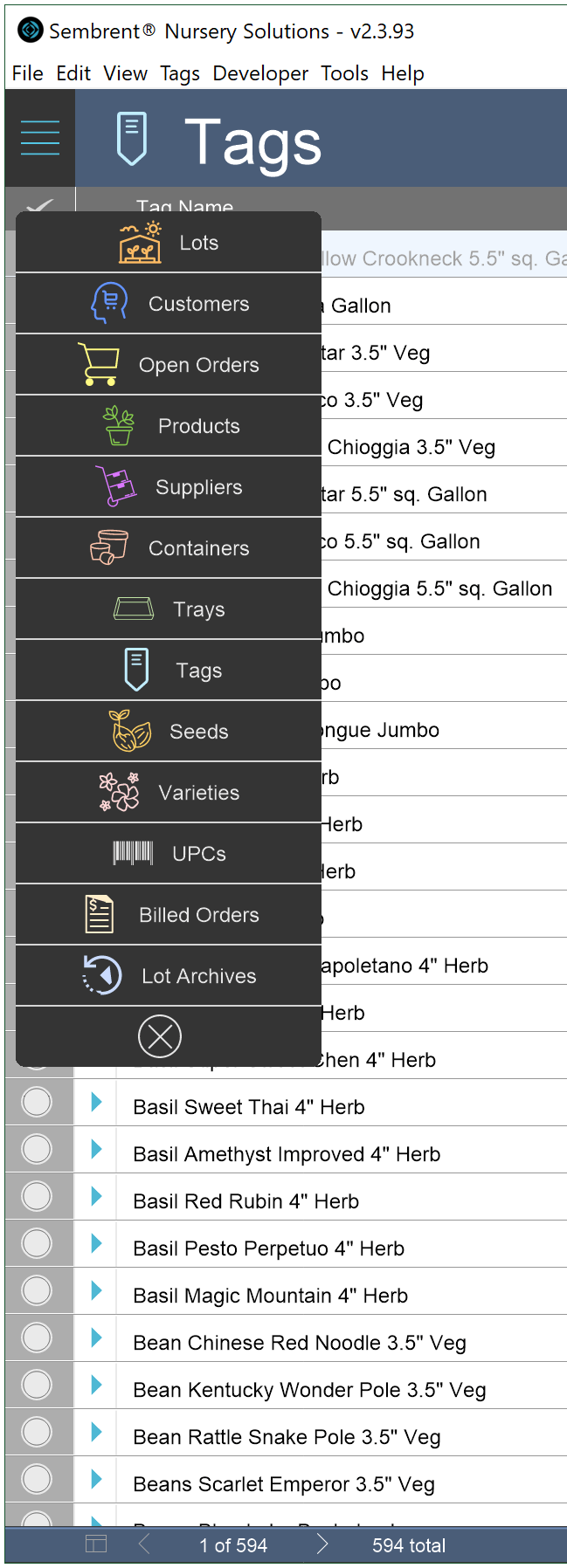
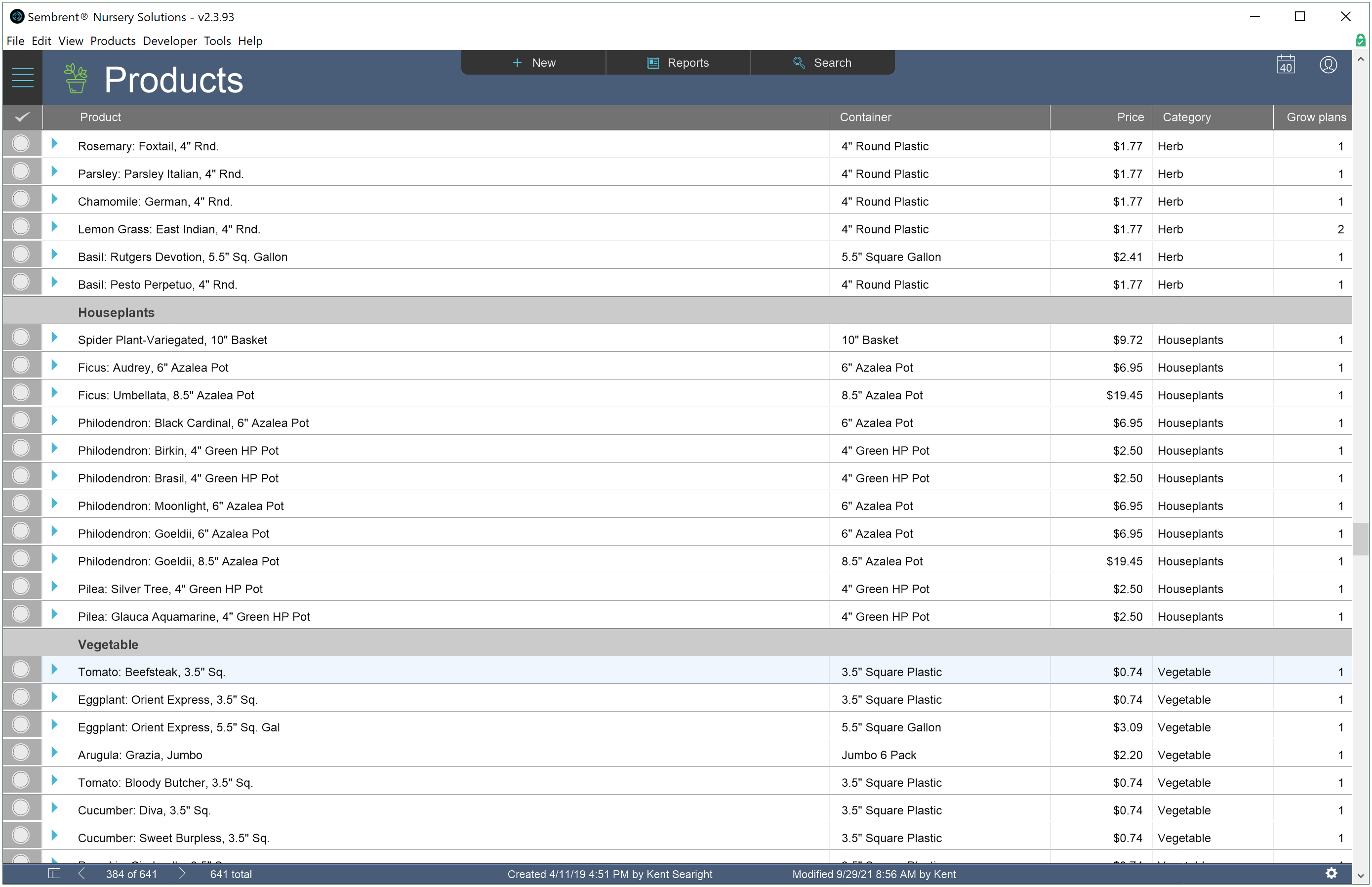
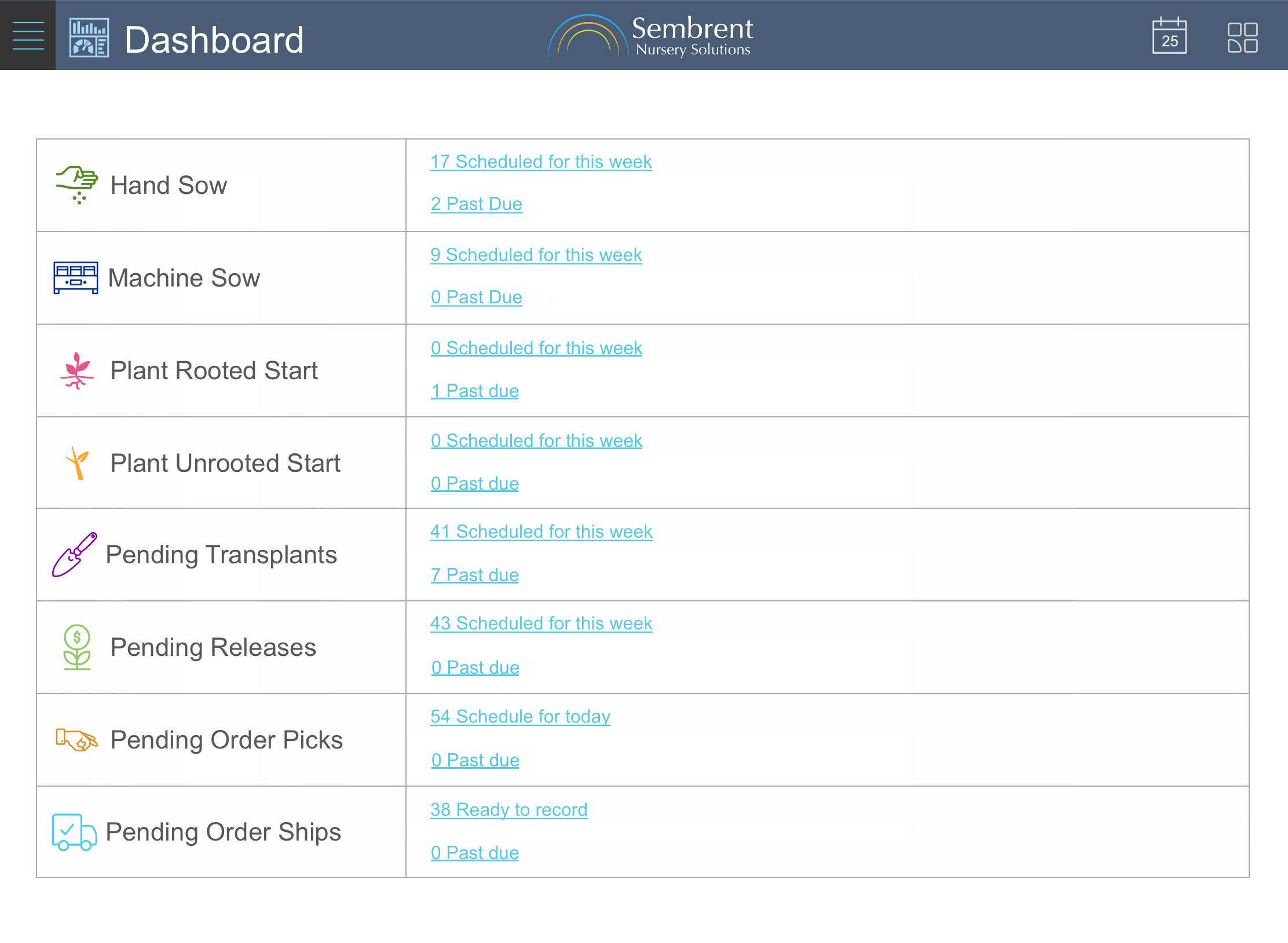
Sembrent simplifies wholesale nursery management from beginning to end. A powerful calculation engine does the heavy lifting when it comes to planning, scheduling and inventory management.
And it does it all through an intuitive, user friendly interface that puts the info you need at your fingertips, whether you’re at a desk or in a greenhouse.
Plan
Nursery product templates make planning a breeze. Build a product once and schedule it to be ready for sale as much as you want.
Grow
Say goodbye to struggling with formulas & record keeping that deal with product life cycles, yields, losses & inventory control.
Sell
Say goodbye to struggling with formulas & record keeping that deal with product life cycles, yields, losses & inventory control.
Ship
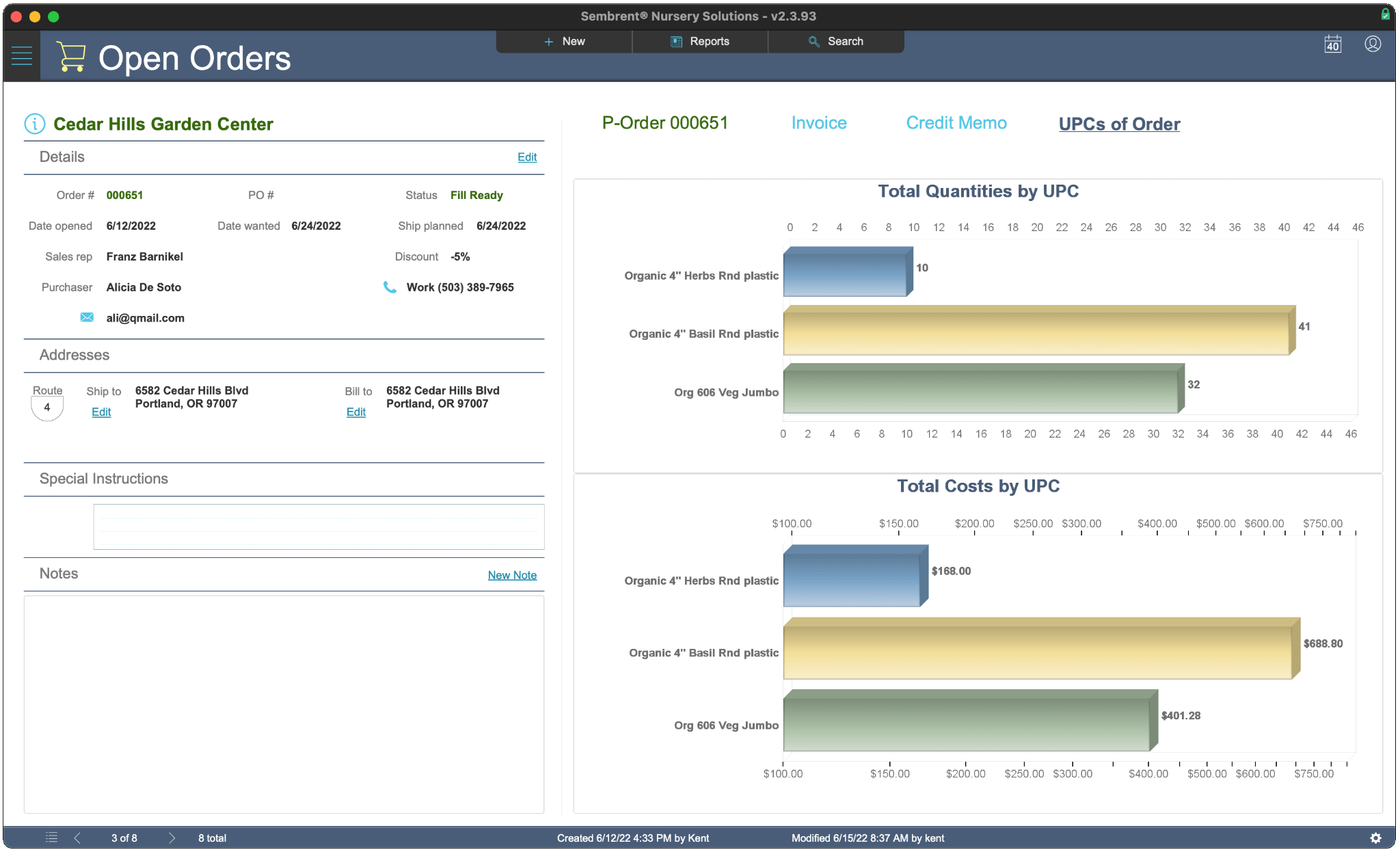
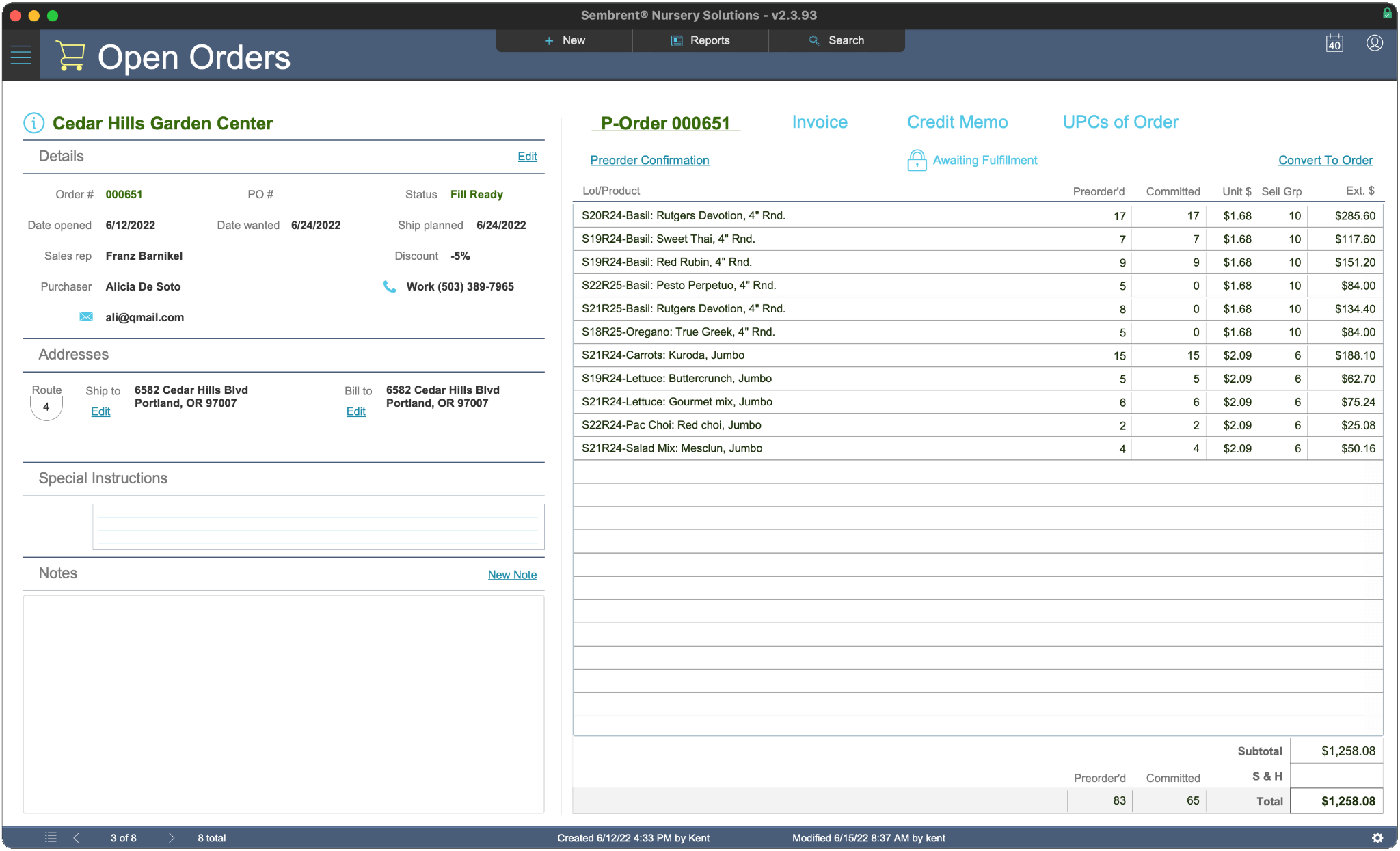
Create and edit orders quickly & easily. Orders & inventory work hand in hand to ensure that order & inventory quantities always add up.
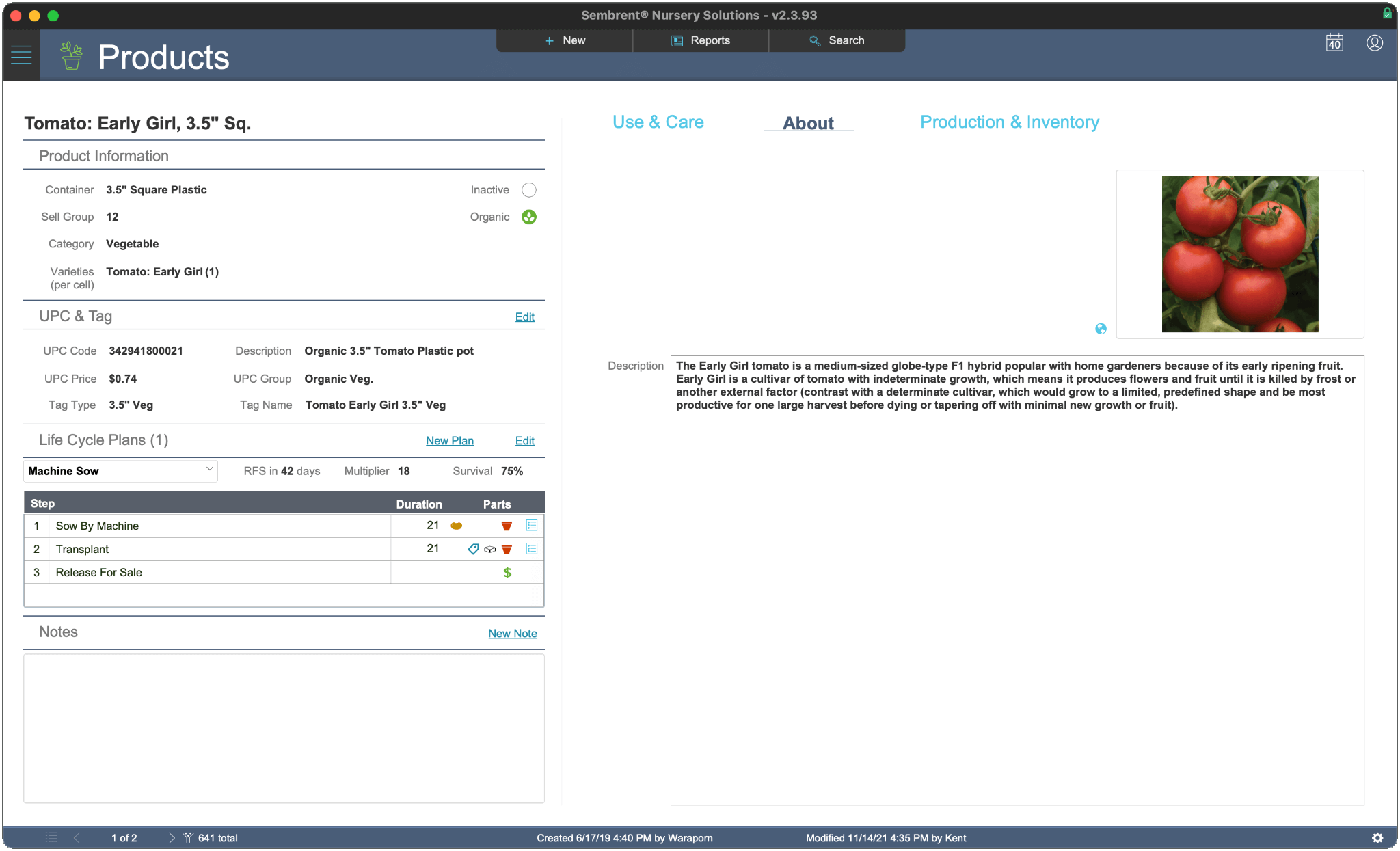
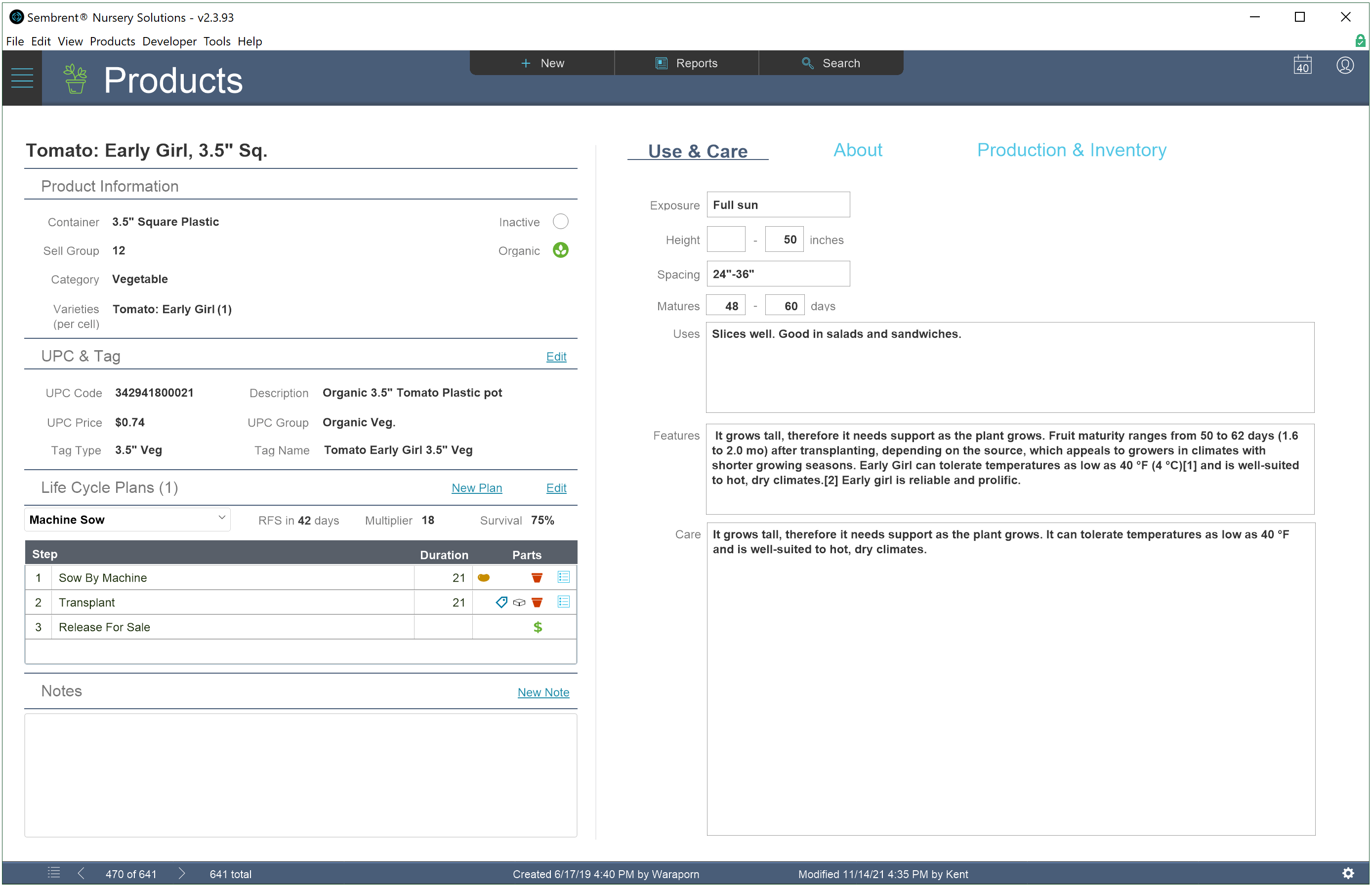
Each end product you sell is defined just one time with the following information.
End container
Varieties (up to 5)
Quantity of each variety/container
Number of containers in a sell unit
A UPC for pricing
Product price is defined by UPC
When a price is changed for a UPC it becomes the new price for every product under it. This comes in handy when there are many products, e.g., 4″ Premium Annuals, with the same UPC.
Add as many plans as needed
End products can have multiple production plans.
Create one plan for sowing and another for plugs. Create plans with longer grow cycles for early season and shorter ones for late season.
Each grow plan has the following information:
Expected survival rate
A starting event
Any transplanting events
Release for sale event
Duration of each event
Parts used in each event*
*containers, trays, seeds, tags
Efficiency and simplicity
Once a product is defined and has at least one production plan things get easy. Human error is virtually eliminated.
Inventory lot creation of a product takes seconds. The calculation engine does all the heavy lifting for you.
Be sure to check out the Planning & Production feature to learn how easy they make planning, production and inventory control.
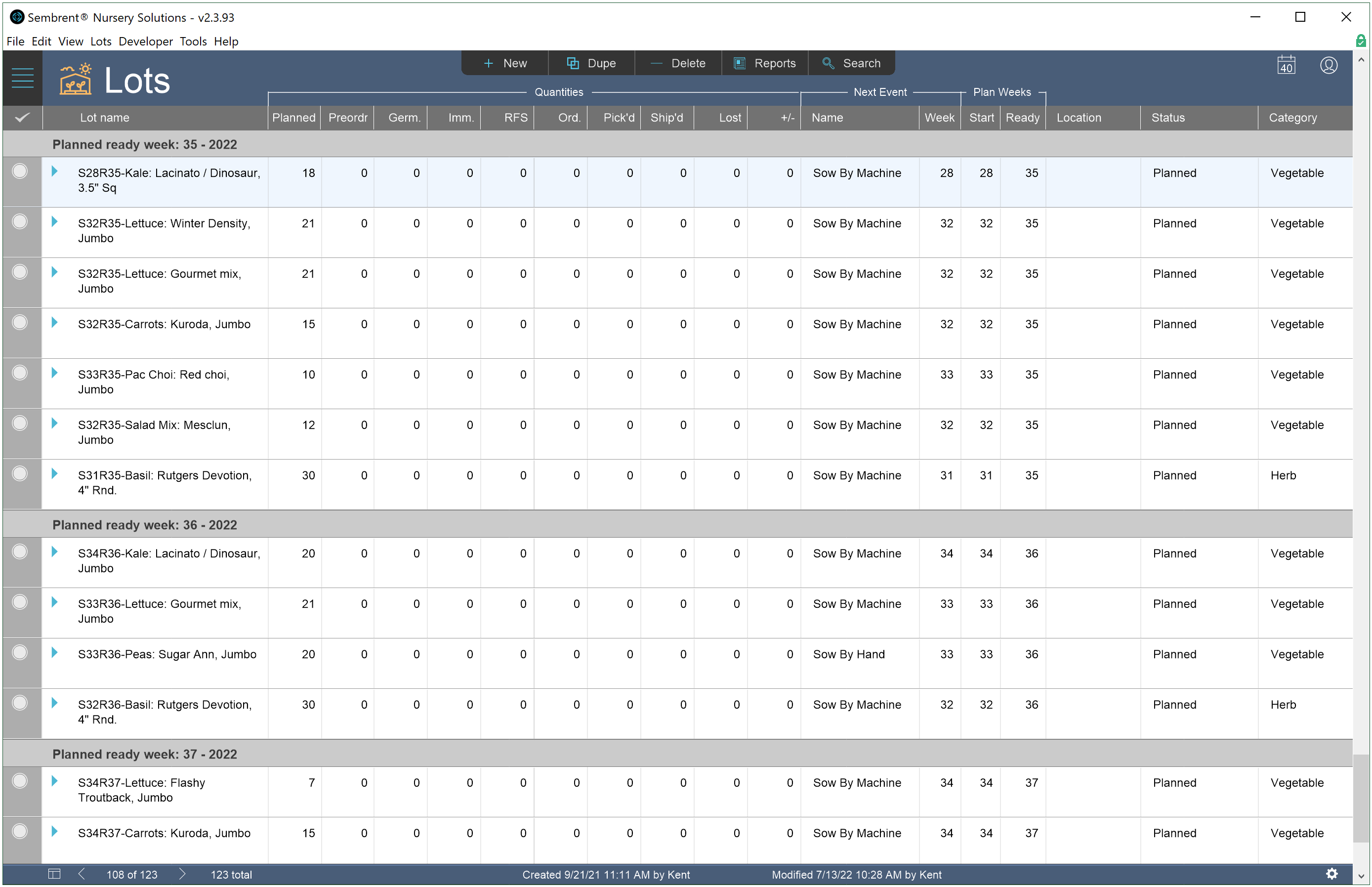
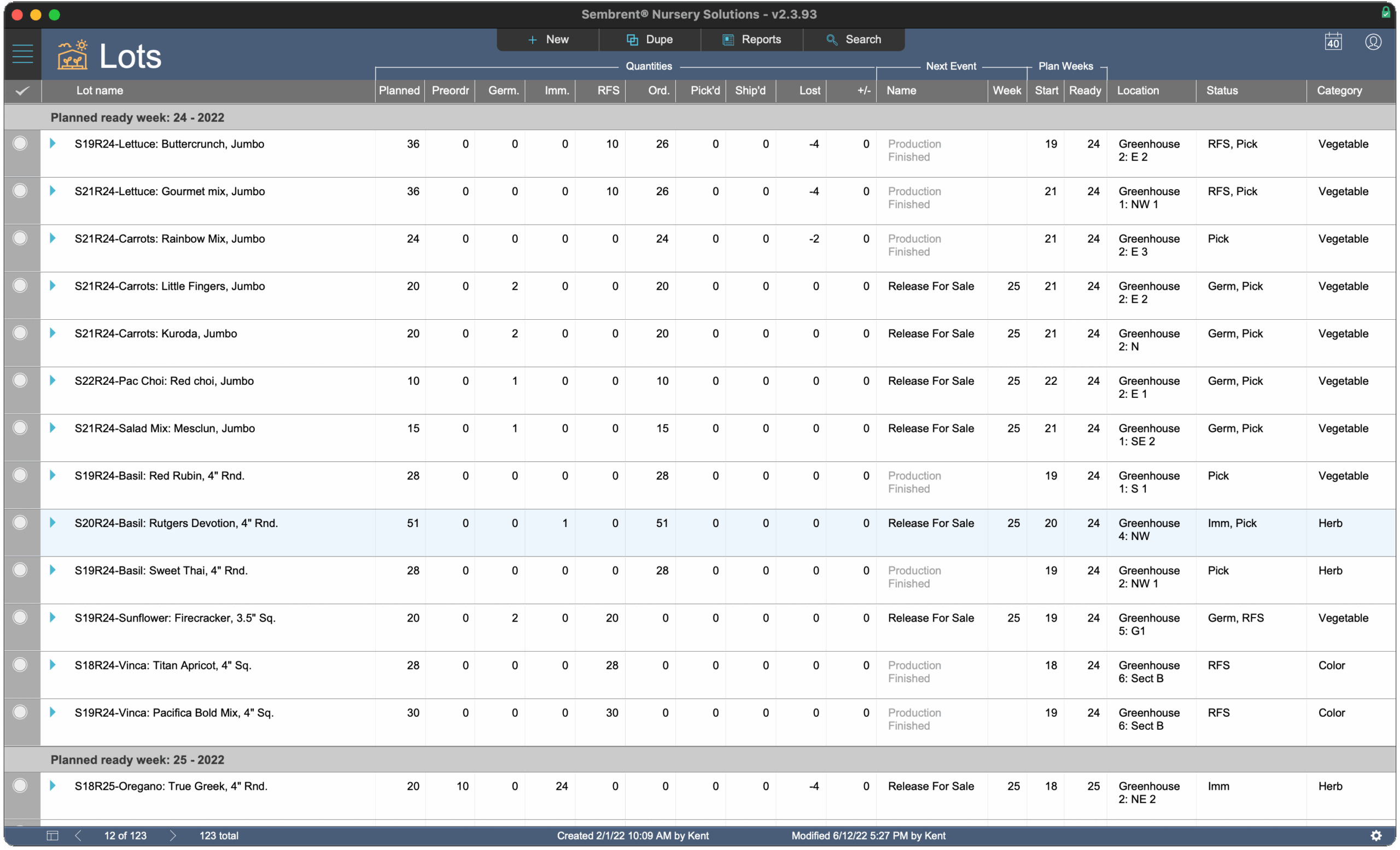
Lots created in the future are used for planning. Plan an entire season well in advance of its start date.
All the information you need for planning parts usage, production schedules, sale-ready dates and more is at your fingertips.
Scheduling reports
Finding out what’s scheduled for production next week or next year takes just a few seconds. Generate PDF reports quickly and easily to see which production events are upcoming and where they’ll occur.
Record scheduled events
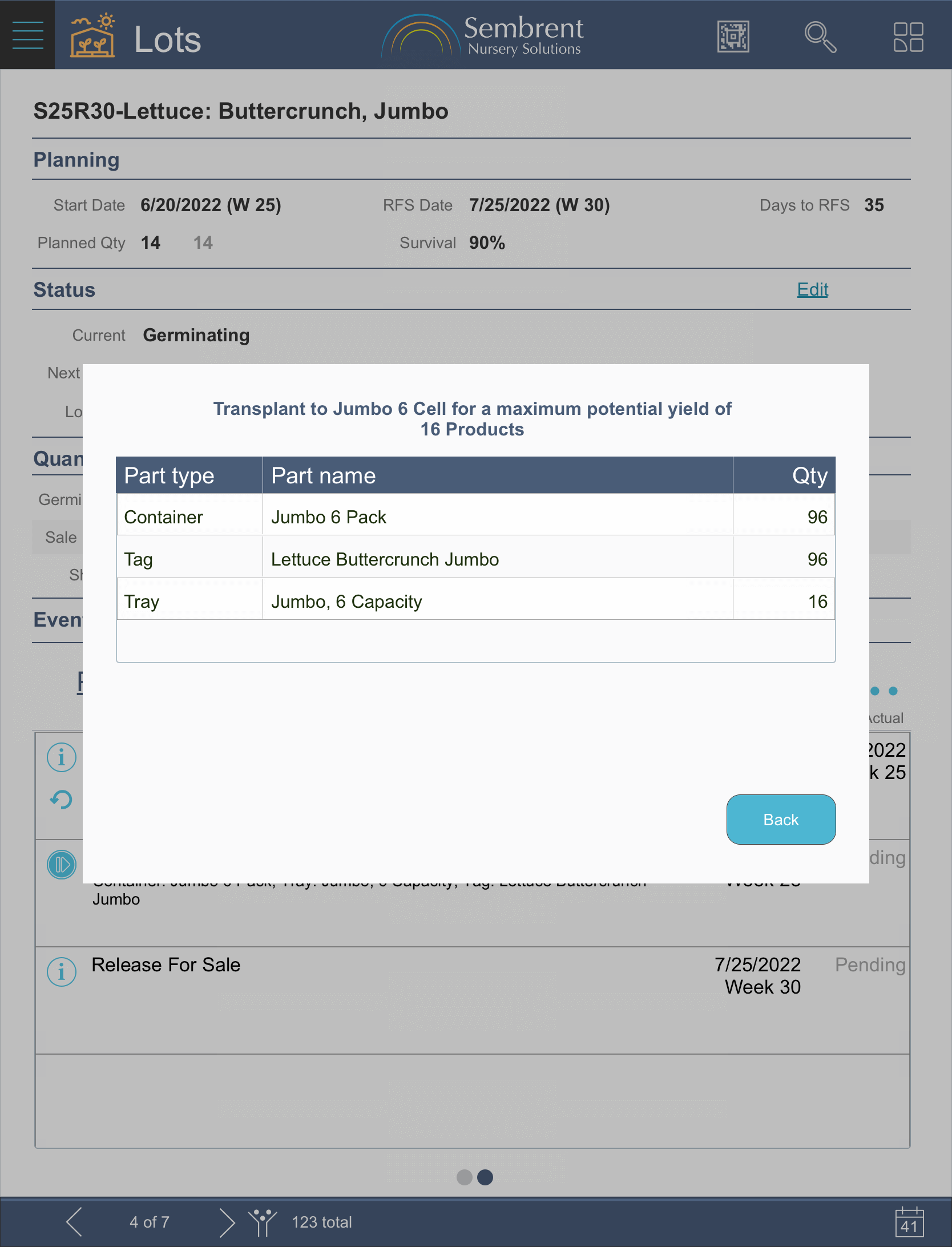
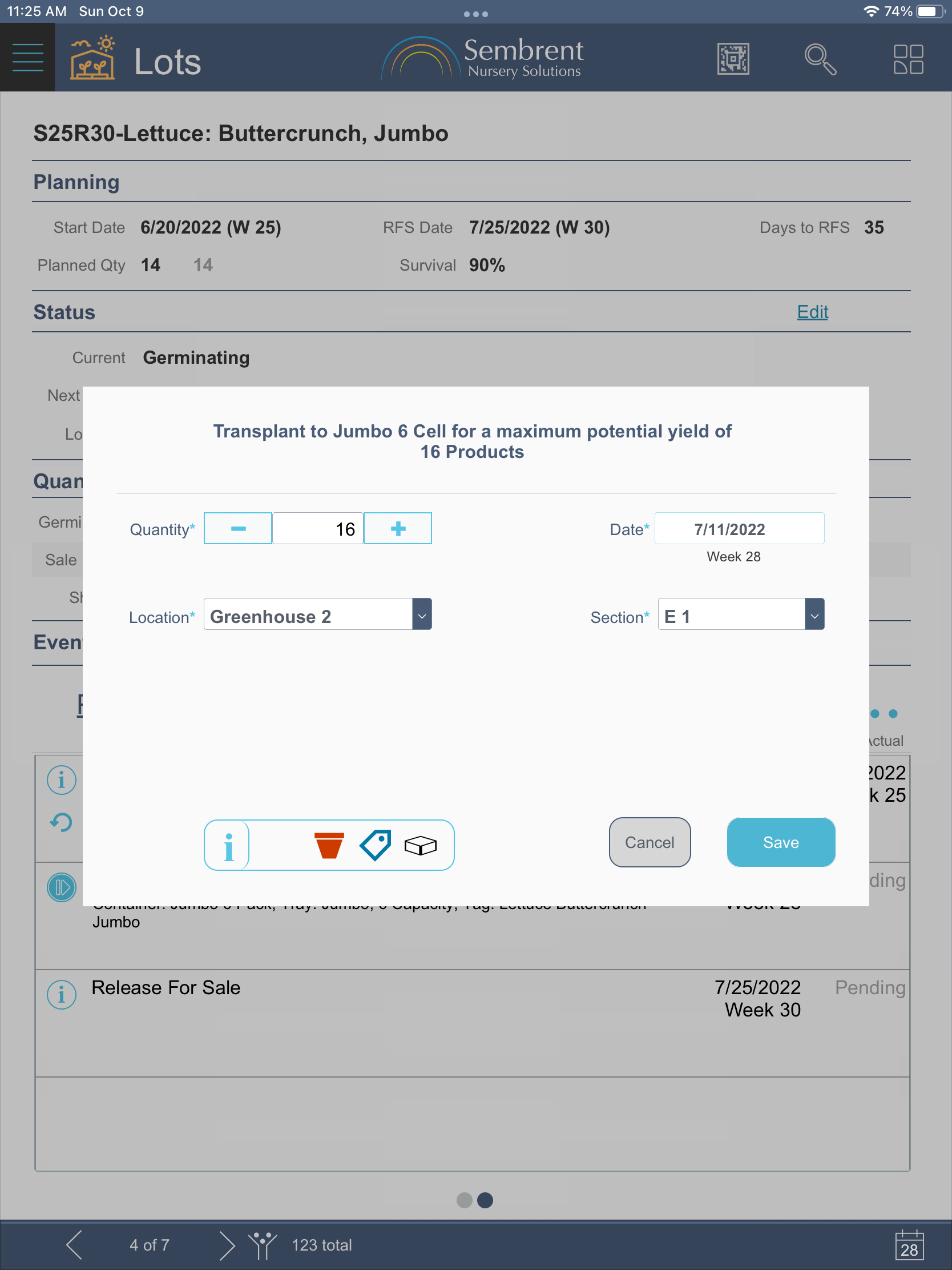
The core production-oriented feature of Sembrent allows users to record production events like sowing, transplanting and releasing a product for sale.
You tell Sembrent how many products you want or expect for an event and the powerful calculation engine does all the heavy lifting.
Record unscheduled events
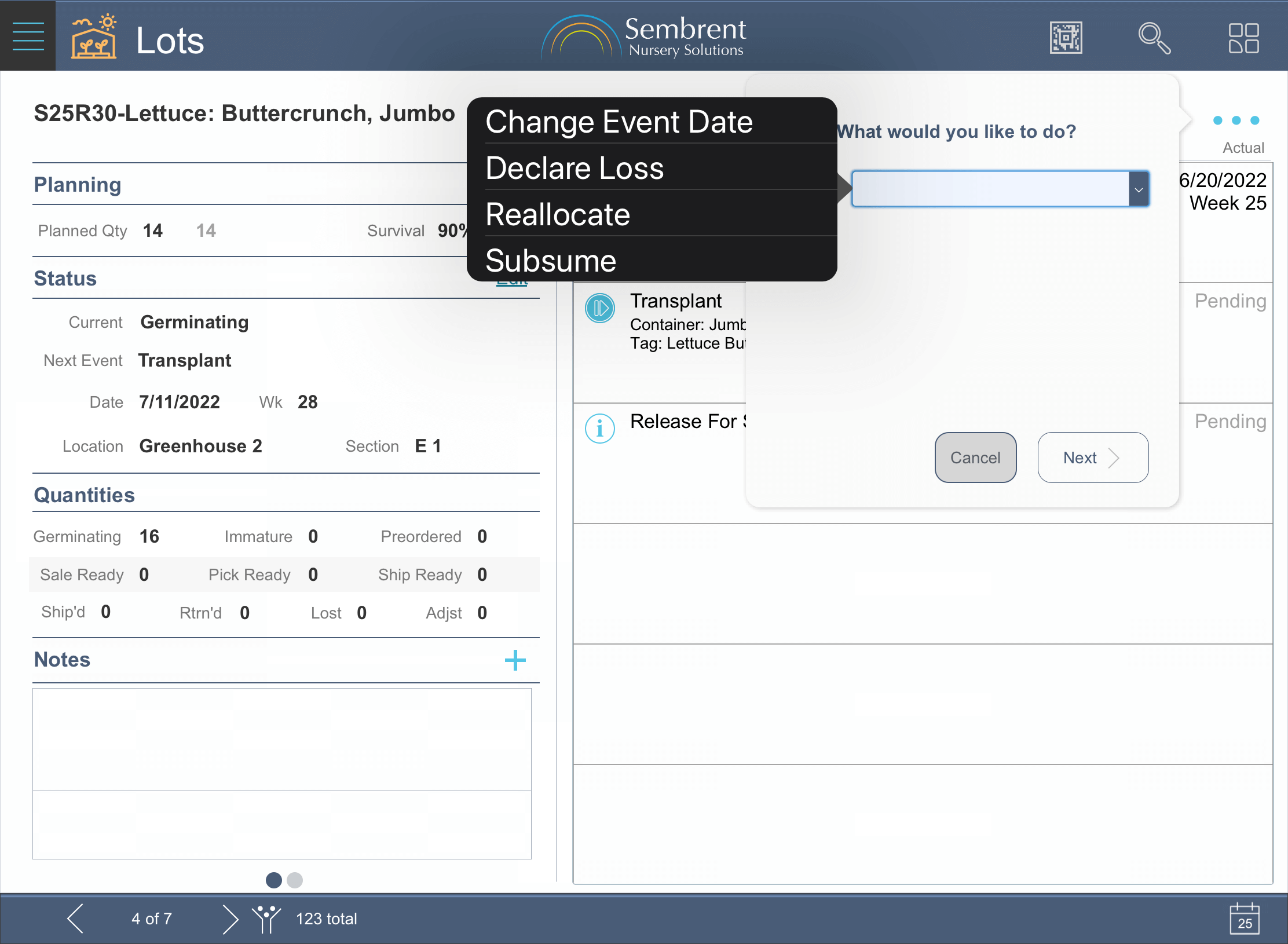
Record losses, reallocations and subsumptions. Just like with scheduled events, a history is kept of them that’s valuable in helping to make adjustments to expected survival rates by comparing expected rates to historical ones.
Undo mistakes
Users can undo recorded events that have mistakes in them until the event that follows it has been recorded. This usually leaves ample time to catch mistakes such as a wrong quantity entered for a loss.
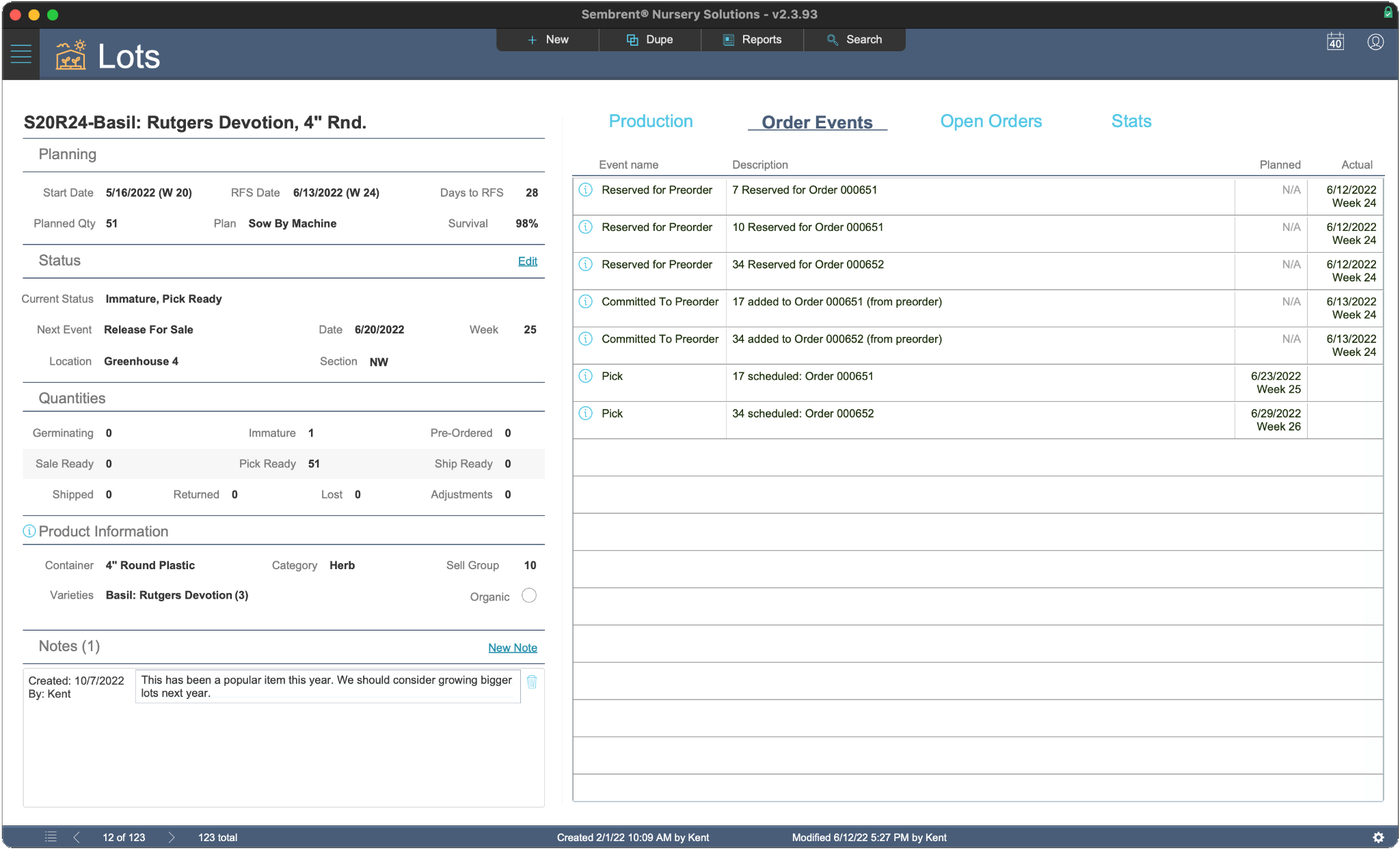
Lots do so much more than serve as a way of tracking product inventory.
They’re used as placeholders for planning before production ever begins.
Then they’re used as production tools before the product becomes ready for sale.
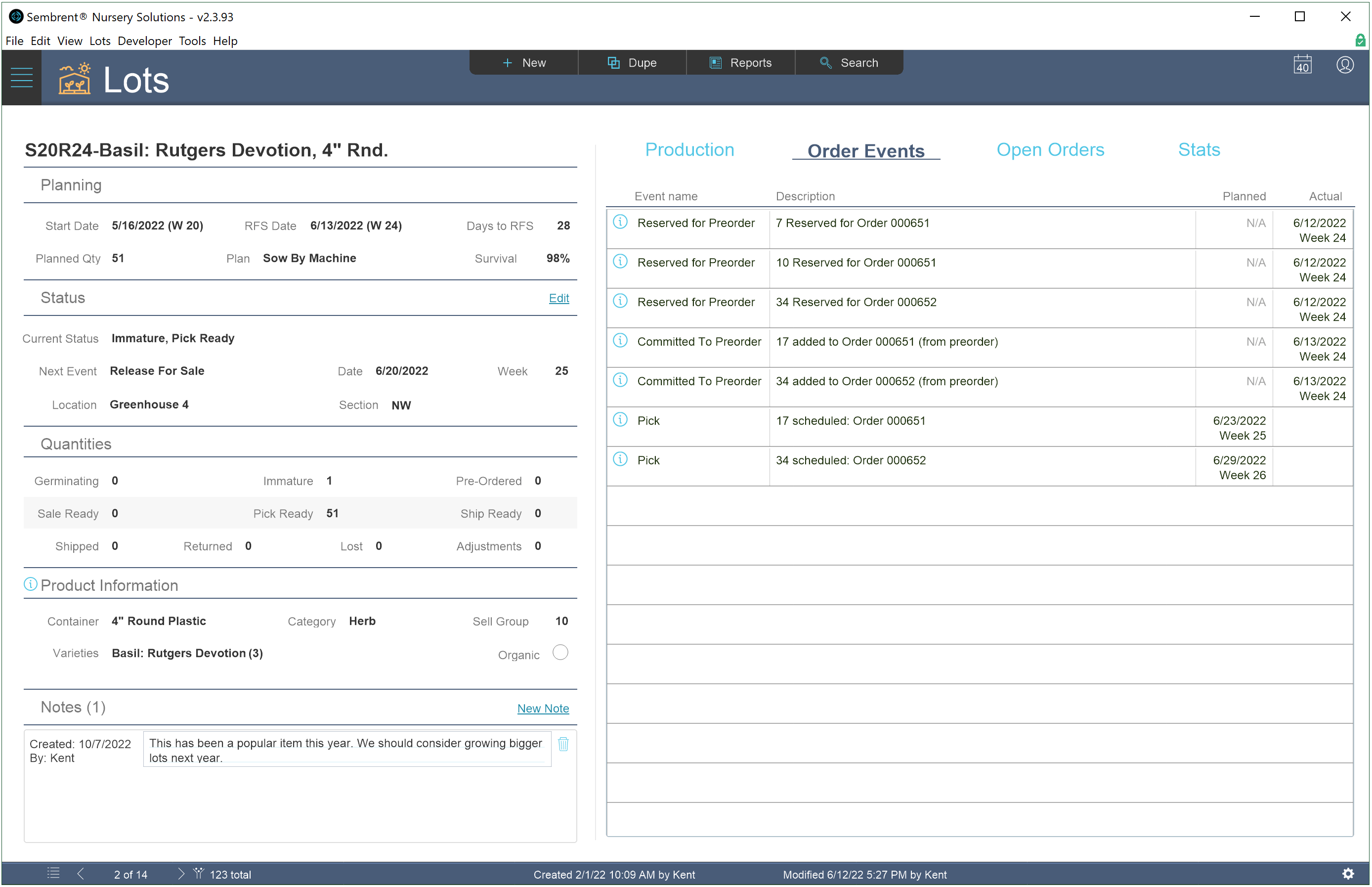
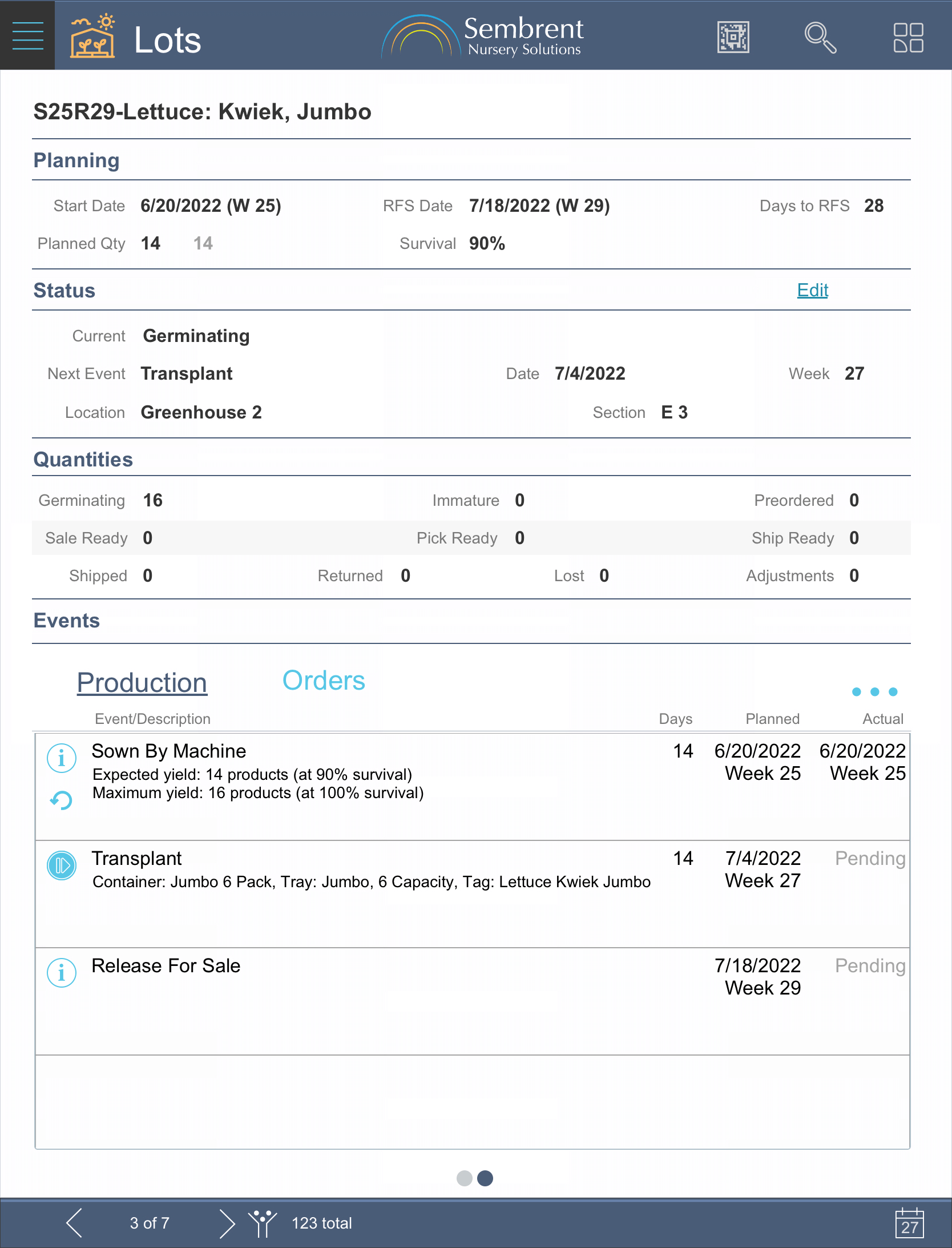
A wealth of information that’s easy to read
Displaying information is one thing. Displaying information in an easy-to-read format is another.
Inventory lot records present a wealth of information in a clean, digestible manner.
Simple & fast to create
Even new users can create a lot in less than a minute. You choose a product, choose a plan for the product, enter the quantity you want to sell and the date or week when you want it to be ready.
That’s it! The information pulled from the product template and its plan is run through a fast & powerful calculation engine to take care of everything needed to produce the product on time.
Duplicating – even faster
If you grow the same product with multiple release for sale dates you can duplicate an existing lot. All that’s needed from you is a quantity and the date you want it to be ready.
Automatic archiving
Once the last product is shipped from a lot, it’s flagged to be archived in order to reduce clutter in the view of open lot records.
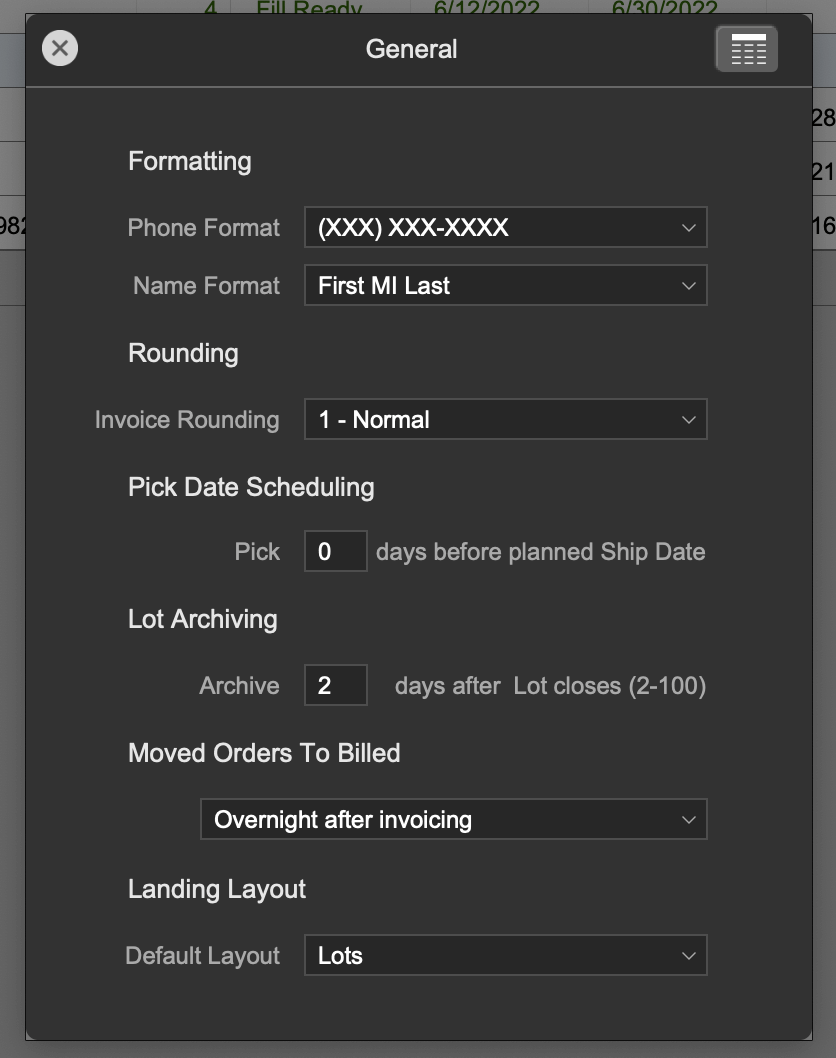
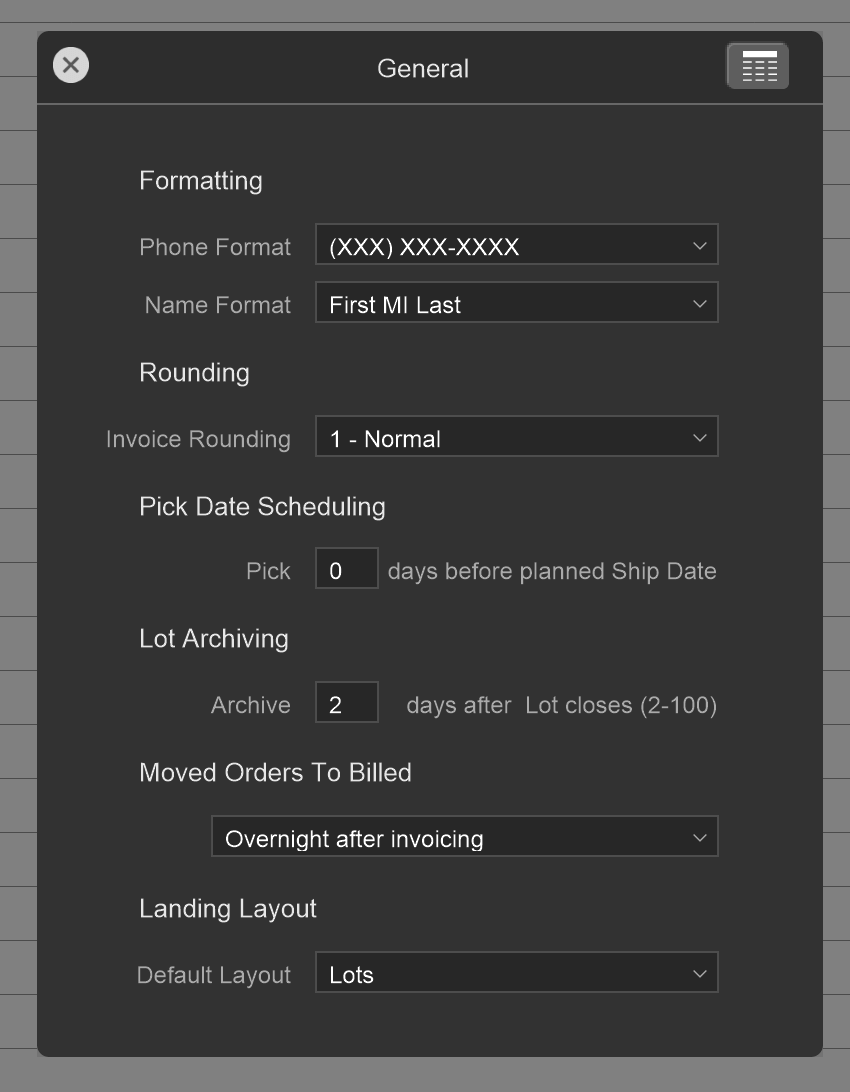
You determine how many days to wait before archiving so that returns can be handled quickly.
If a return is made to inventory after a lot is archived, no problem. The return will be recorded and cause the lot to be de-archived. It just takes a couple of seconds longer and that’s why we let you decide how many days to wait before archiving a closed lot.
Sembrent tracks inventory levels of containers, seeds, tags & trays.
Planned and actual quantities
Planned and actual quantities on hand are tracked for each part. Both levels are adjusted automatically when production events are recorded that use those parts (e.g., a transplant would adjust quantities for the container it’s moved to).
Planned quantities are created automatically for events in a lot when it’s created.
Features for all part types
All part types have the following standard features:
Products that are sale ready are displayed in a sliding panel that hides when not needed.
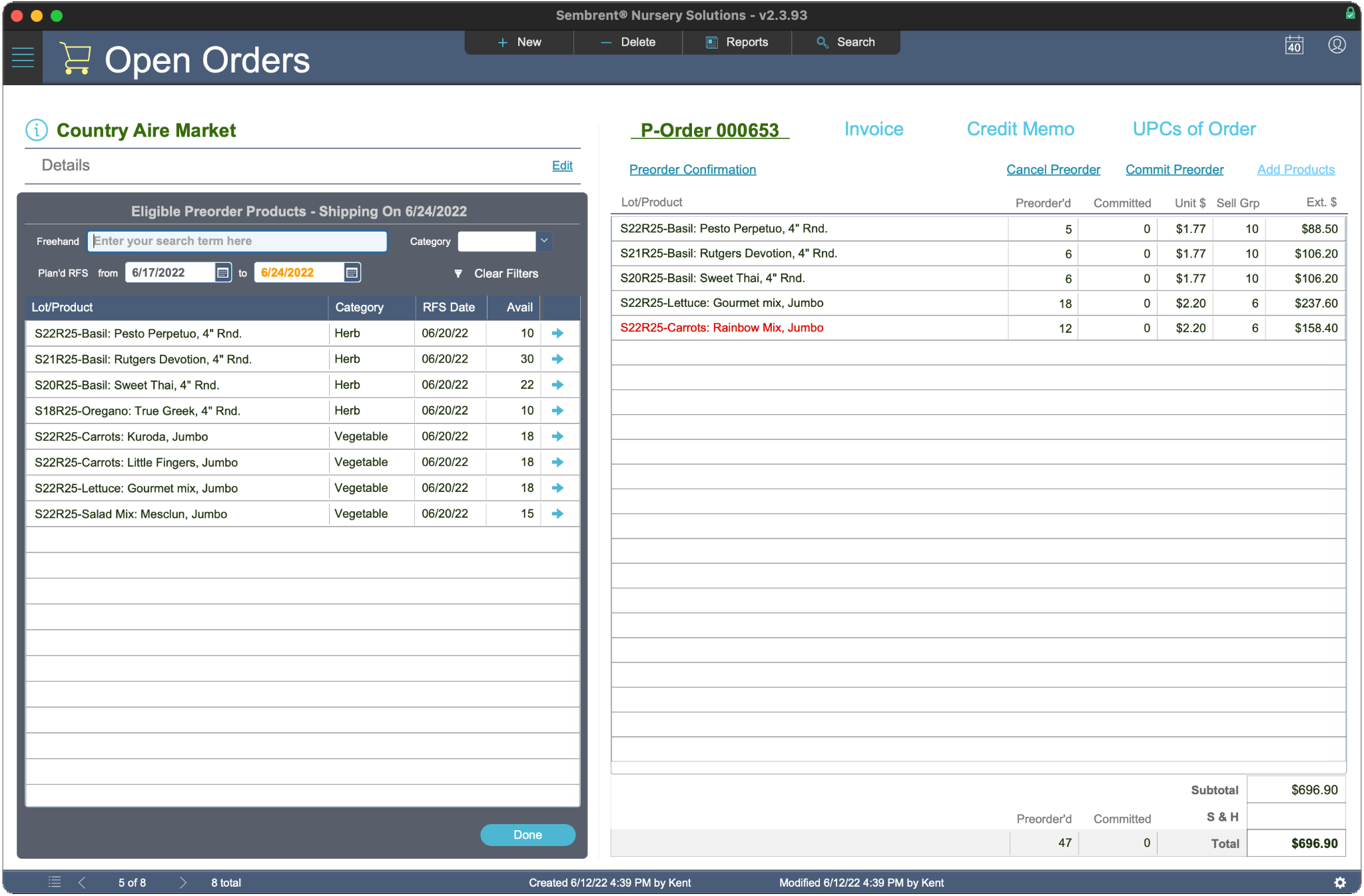
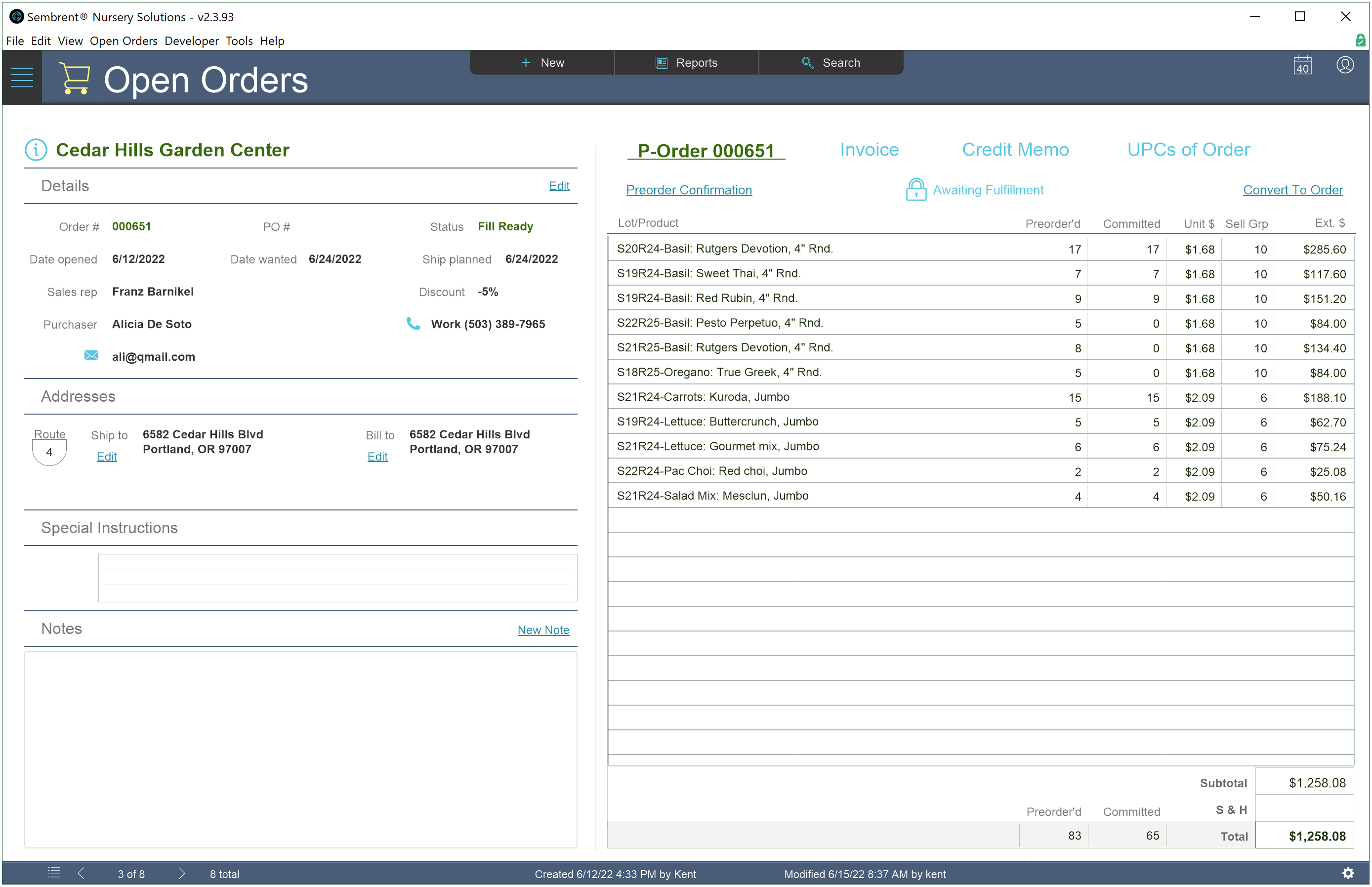
Adding products to an order takes seconds. Order lines can be edited or deleted until an order is finalized for picking.
Inventory lots are updated automatically through orders
Adding or subtracting a product from an order will auto-update quantities and statuses of the lot it’s from.
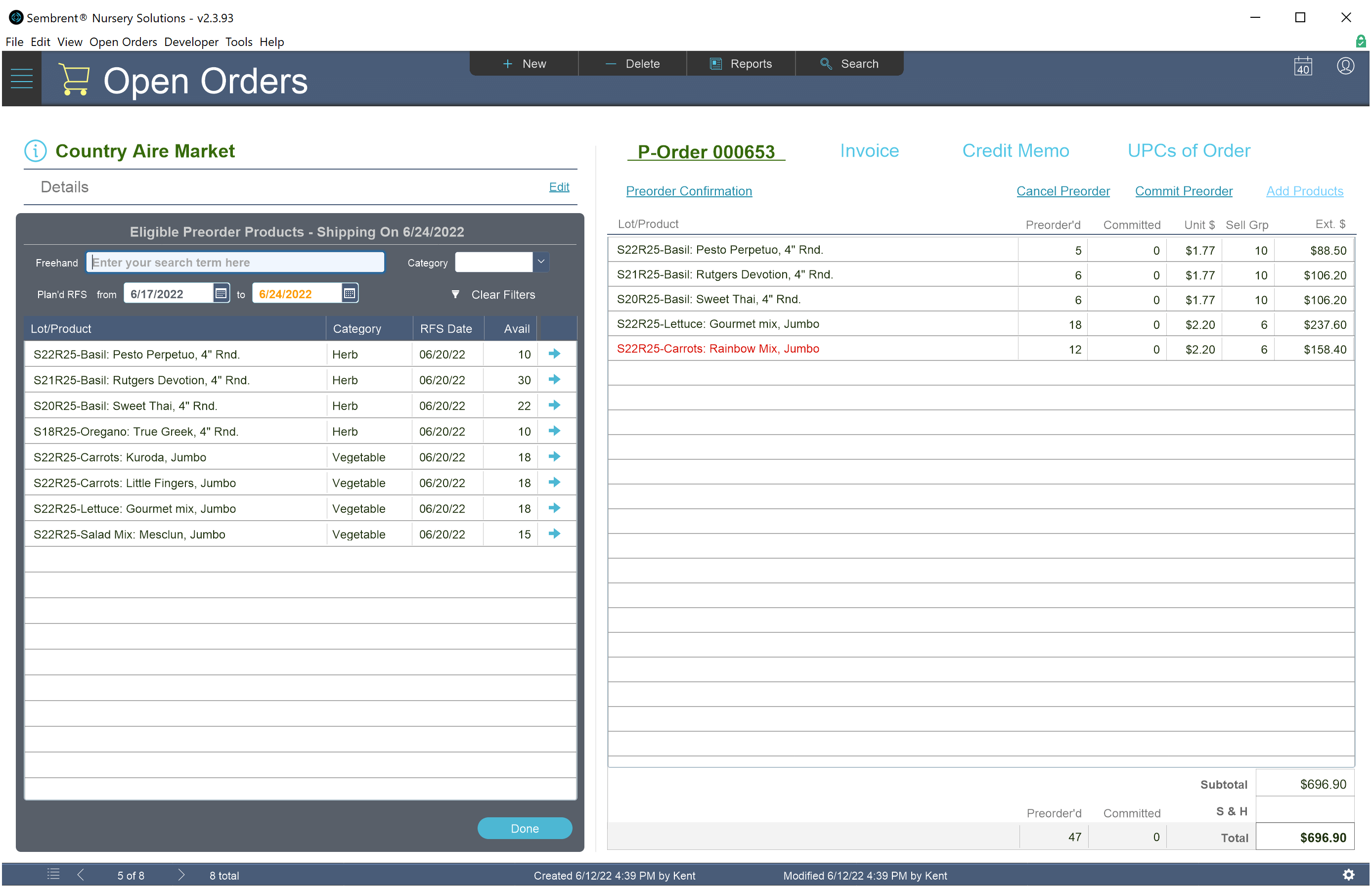
Preorders
Reserve products for customers before you even start growing them.
When an order is created as a preorder, the products you add to it are reserved in production lots and are automatically added to the order as they become available.
Preorders are invaluable for predicting future revenue, planning production and building customer relations.
Order confirmations
Generate detailed order confirmations as PDFs that can be emailed to customers any time prior to shipping.
Packing lists
Generate detailed packing lists as PDFs when all order line quantities are confirmed as shipped.
As part of Sembrent’s customization, the administrator configures the order of locations (e.g., greenhouses) and the sections within them.
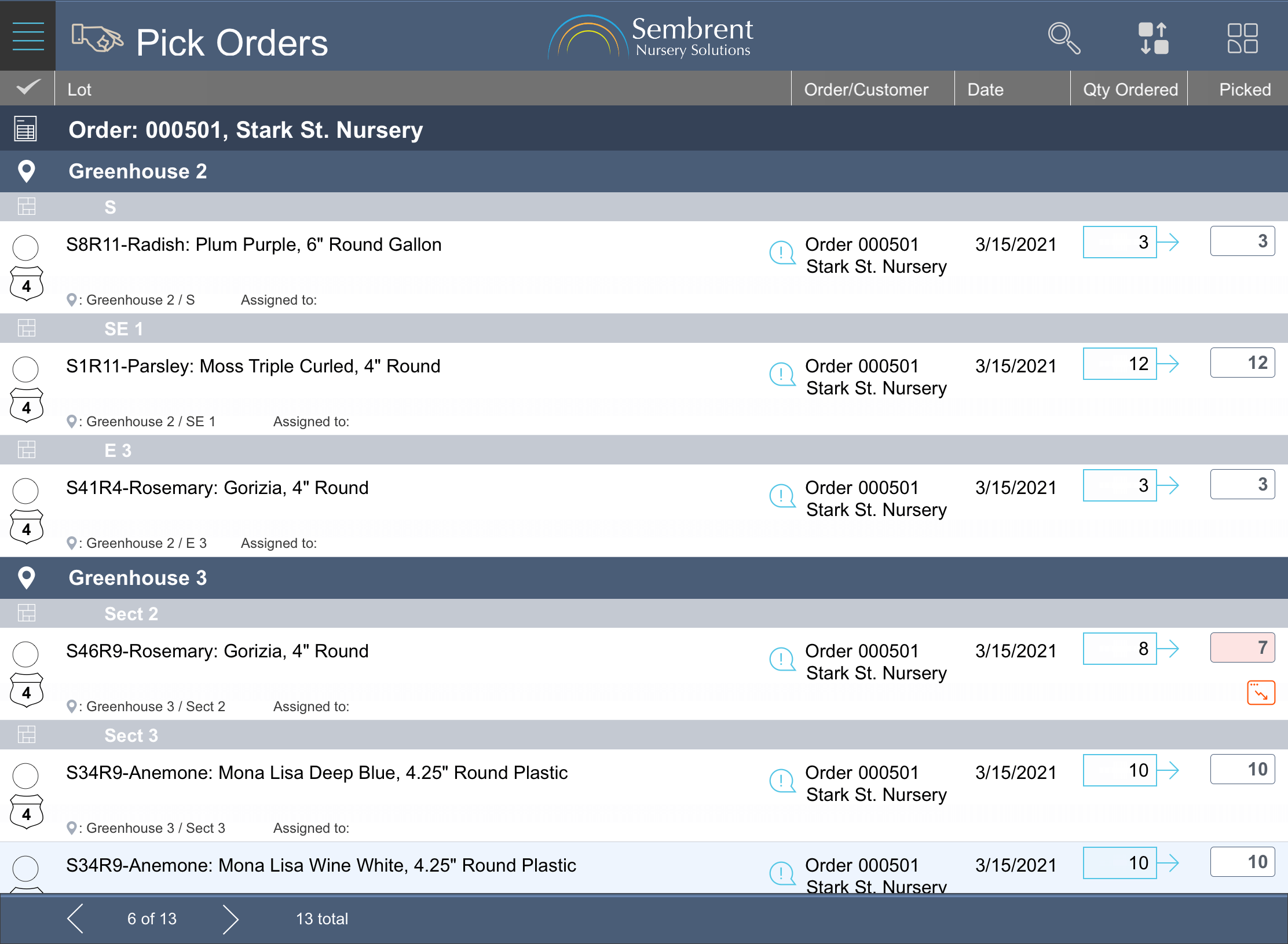
When it’s time for transplants, quality control and picking for orders, workers follow the flow to reduce or even eliminate backtracking. A simple feature that can boost efficiency in production.
Pick orders as a team
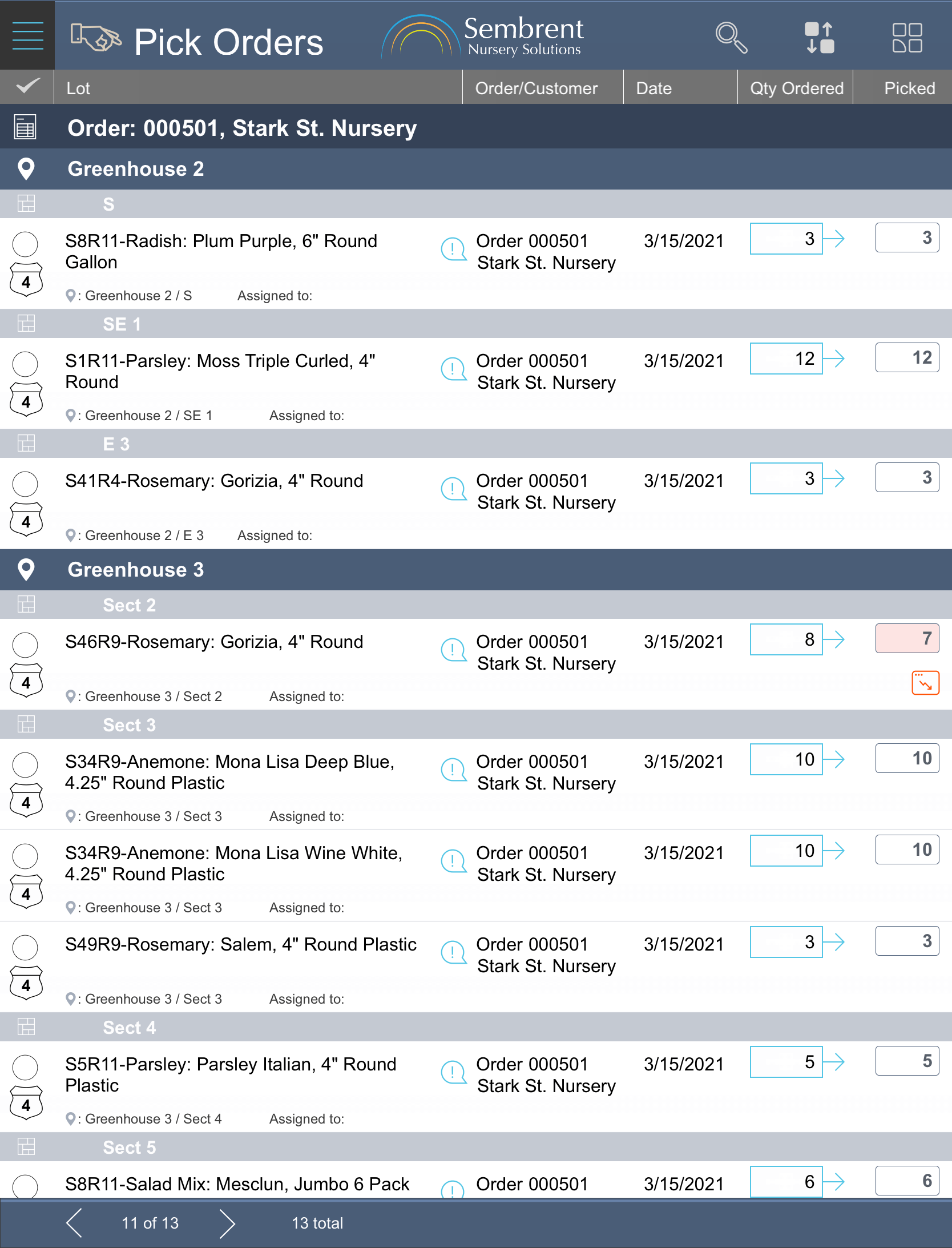
Order picks can be divvied up between multiple people who can then be assigned to specific locations for doing order picks.
This cuts down on pick times for growers whose greenhouses or outdoor lots are spread out over a large area.
When combined with Smart Flow this can be a huge time saver.
Update Picks & Ships Live
With Sembrent’s iPad version, picks and ships can be recorded in real time as long as there’s a connection wi-fi or a mobile carrier.
We know that signals can a bit slow in some locations away from the office. That’s why we engineered Sembrent for iPad to pass off all the heavy processing to the server, making it (and you) fast and efficient.
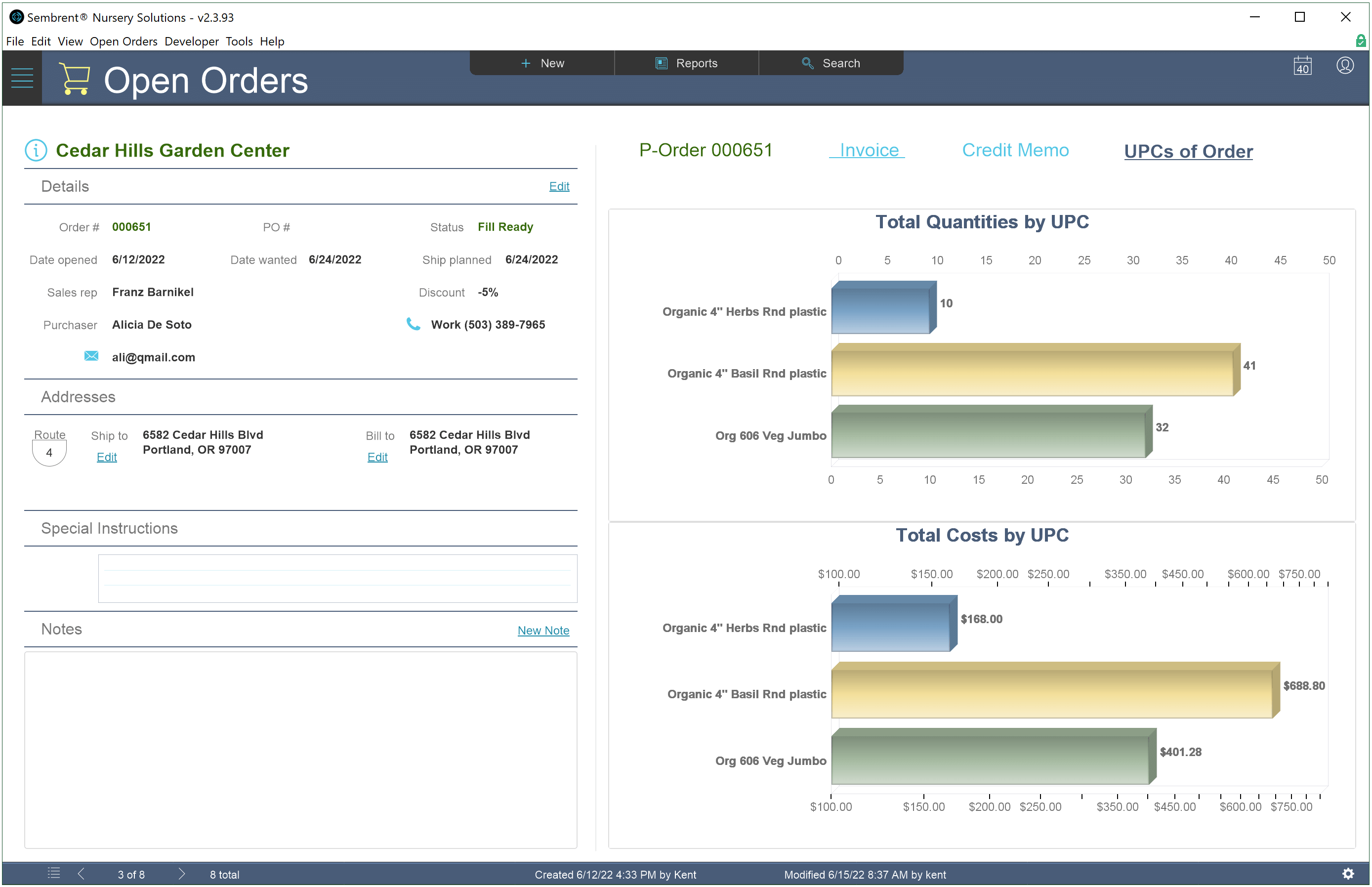
Invoices are generated with the click of a button. Items with the same UPC code are aggregated on a single invoice line, making invoices easy to read on large orders (the packing list can be used for line-by-line details).
Push invoices to Quickbooks
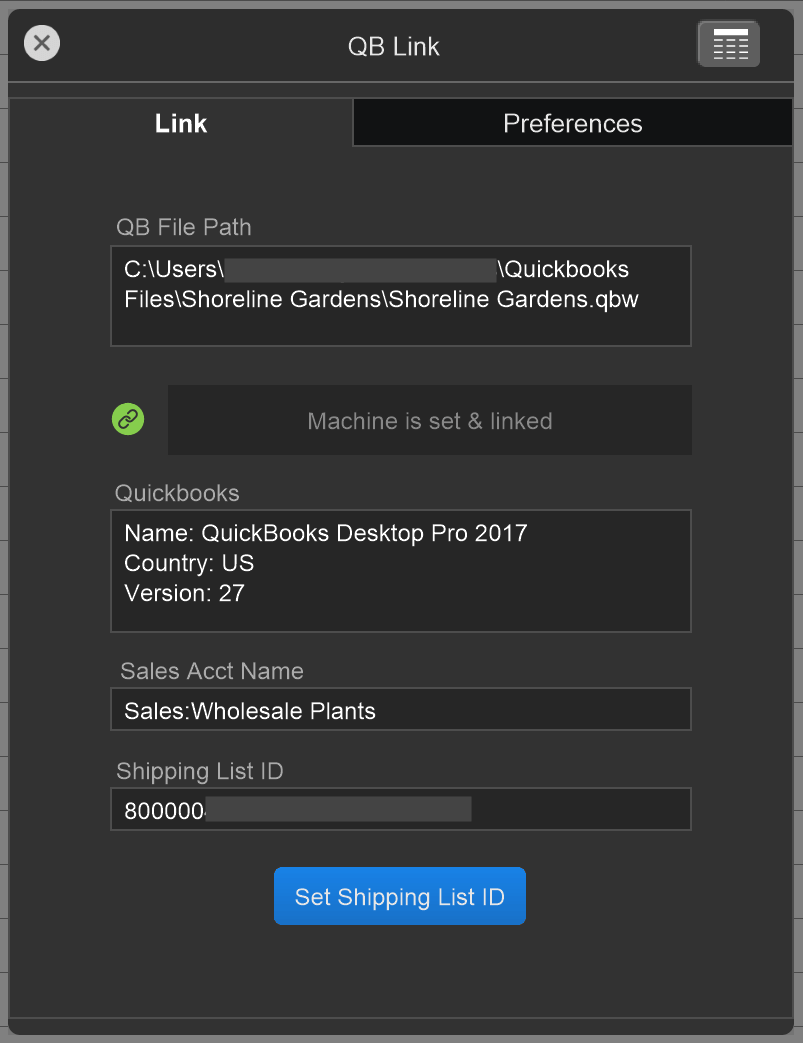
For users with the Pro subscription, invoices can be created with a single click and the invoice will be pushed to Quickbooks.
Invoice generation and the push to Quickbooks can also be done as two separate operations in case you want to review the invoice before sending it to Quickbooks.
Auto-Archiving
Orders are archived automatically after an order is invoiced. Order archiving increases sales productivity by keeping the view of open orders uncluttered.
You have the option to archive an order immediately upon invoice creation or to have it automatically archived after business hours.
Encryption At Rest uses AES 256-bit encryption to protect the entire database when it’s closed. Hackers who steal copies of it cannot access it in any way with the decryption password.
SSL Encryption
Data is protected in transit between the server and users using modern 256-bit encryption.
Multiple User Roles
Sembrent provides 5 levels of user permissions. In order of most to least privileges they are:
Database Admin — Top level group for owners and high level managers. Users in this group can customize the way the software behaves.
Office Manager — The next level down, users in this group can do everything except configure software behavior of the software.
Production Manager — Users in this group can perform all production tasks including creating new products and inventory lots.
Sales — Users in this group can perform all sales related activities, but are restricted to only viewing most production related data.
Production Worker — Users assigned to this group can record production events and order fulfillment (picking & shipping) events.
Bugs due to programming errors will happen. It doesn’t matter what’s done to prevent them. And we try really hard to prevent them, but we’re realists. They’re going to happen no matter what.
That’s why we built a robust error checking and handling system that not only seeks out bugs and catches them, but also logs them and notifies our support team (Notifications are free for first 6 months after purchasing a license; conditions apply, licensees may opt out).
End to end encryption
You’ll have peace of mind knowing that your data is secure and cannot be deciphered by hackers as it travels back and forth between users and the hosting server. FileMaker Server, when hosted with an SSL certificate (most FileMaker Server cloud hosts include one as part of their service), uses state of the art encryption to secure your data from the server and back again when your users connect with FileMaker Pro and FileMaker Go.
So, why should you care? It means that customizations can be done much faster and at far less cost than systems built on other platforms. This
Built for speed
We test performance. A lot. We do it because it’s important to you and that means it’s important to us.
Whenever we develop a feature or a user interface we make absolutely sure that it performs without lags that become annoying to users. When we find something that runs or loads too slow for our liking, we figure out what’s causing it and fix it, even if it means taking a different approach.
Built to latest standards and best practices
Tire and software patches have something in common. They fix the symptom by covering it, but the problem remains. That might work for tires but it’s not good for code.
When we’ve deployed a patch to fix something quickly we’ve always replaced it with permanent code that maintains the rock solid code foundation we’ll keep adding features to for years to come.
Unlike many other nursery management software systems out there, our isn’t built on a foundation of antiquated code that’s had patches on top of patches applied over the years, making it increasingly difficult to maintain and extend.
Preventing human error
Comprehensive validation testing of user input ensures that whatever a user tries to do is valid and can be done.
If it’s not, the action isn’t allowed to proceed and the user is notified of a problem they need to correct.
† Download for free, customize it to meet your exact needs
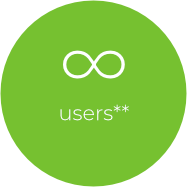
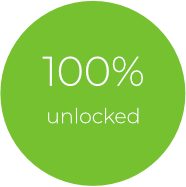
The license allows unlimited users and is 100% unlocked so you can have it customized by any qualified FileMaker developer in any way possible. If you choose us for your customization, we offer a discount from our normal hourly rate with prepaid blocks of hours to make it affordable. This gives you the confidence that your customization will be guaranteed by the experts that designed and built Sembrent.
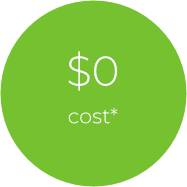
* Zero cost for Sembrent nursery app only. Sembrent runs on the Claris FileMaker platform, which is not included, but can be purchased separately.
** The number of users is limited only by the user limit of each FileMaker Server installation.
Engineered for efficiency Designed for simplicity 100% Customizable
We'd love to hear from you
Last updated on Aug. 11, 2025
Sembrent™ End User License Agreement
MIT License
Copyright (c) 2025 3rd Rock Data, Inc.
Permission is hereby granted, free of charge, to any person obtaining a copy of this software and associated documentation files (the “Software”), to deal in the Software without restriction, including without limitation the rights to use, copy, modify, merge, publish, distribute, sublicense, and/or sell copies of the Software, and to permit persons to whom the Software is furnished to do so, subject to the following conditions:
The above copyright notice and this permission notice shall be included in all copies or substantial portions of the Software.
THE SOFTWARE IS PROVIDED “AS IS”, WITHOUT WARRANTY OF ANY KIND, EXPRESS OR IMPLIED, INCLUDING BUT NOT LIMITED TO THE WARRANTIES OF MERCHANTABILITY, FITNESS FOR A PARTICULAR PURPOSE AND NONINFRINGEMENT. IN NO EVENT SHALL THE AUTHORS OR COPYRIGHT HOLDERS BE LIABLE FOR ANY CLAIM, DAMAGES OR OTHER LIABILITY, WHETHER IN AN ACTION OF CONTRACT, TORT OR OTHERWISE, ARISING FROM, OUT OF OR IN CONNECTION WITH THE SOFTWARE OR THE USE OR OTHER DEALINGS IN THE SOFTWARE.